
Less typing. More talking.
Dictate a thought or settle into a hands-free voice conversation. Your assistant can talk back, too.
Voice conversations · ProAll your favorite models. A voice that feels natural. An assistant that actually does things. Finally, AI that fits into your life.
Start free. Bring your keys, or go fully on-device.
Great minds. One home.
 OpenAI
 Claude
 Gemini DeepSeek
 OpenRouter
 Ollama
01 / An assistant, in every sense
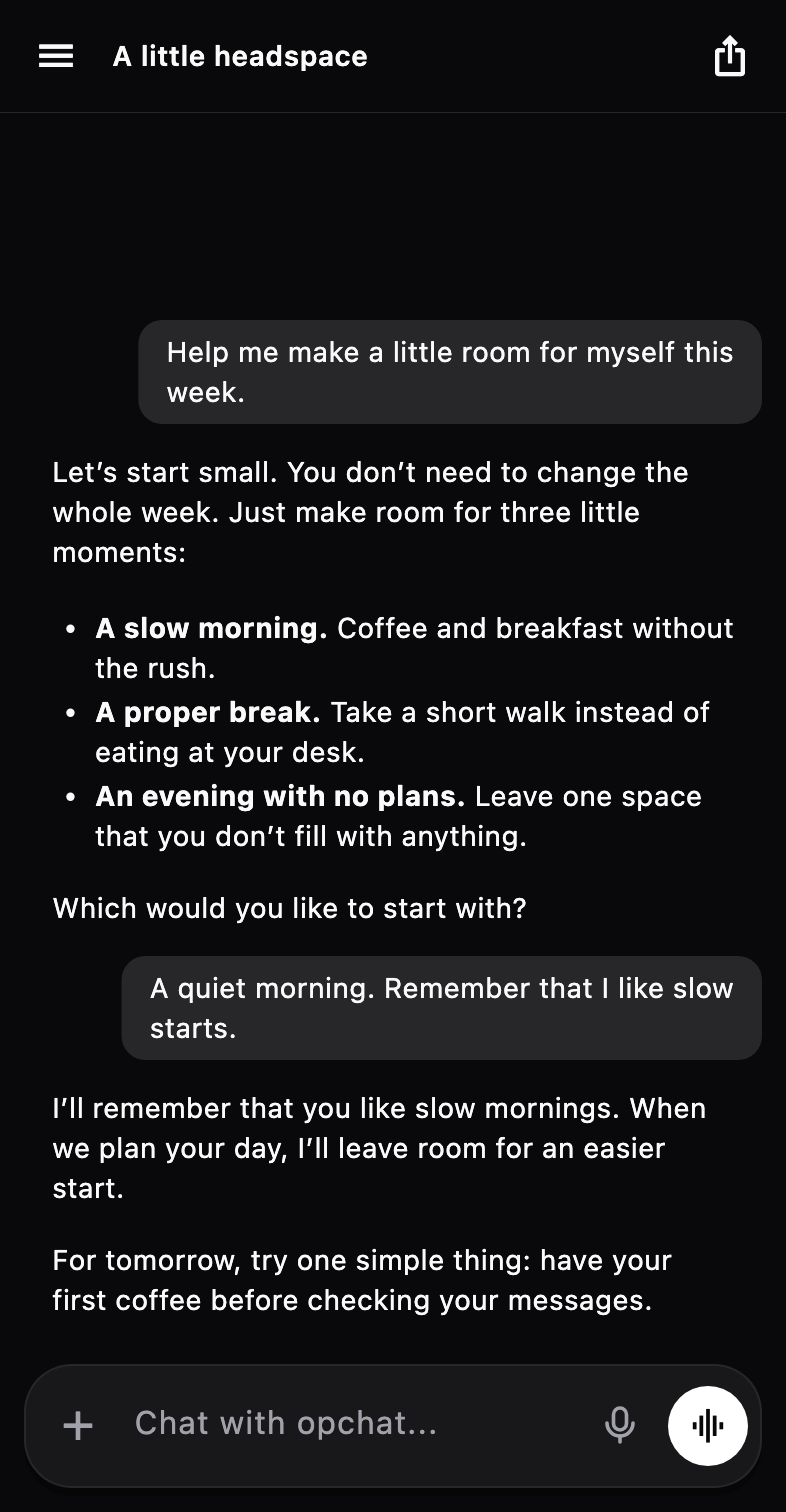
A thoughtful conversation is just the beginning. Give your AI the right tools, a little context, and your own way of doing things.
Dictate a thought or settle into a hands-free voice conversation. Your assistant can talk back, too.
Voice conversations · ProSearch the web, work with your calendar, create images and connect Gmail, Notion, Linear and more.
Integrations & image generation · ProMemory that carries across chats, and personas with their own character. Tell it once and it stays told.
Memory · Free02 / Answers you can see
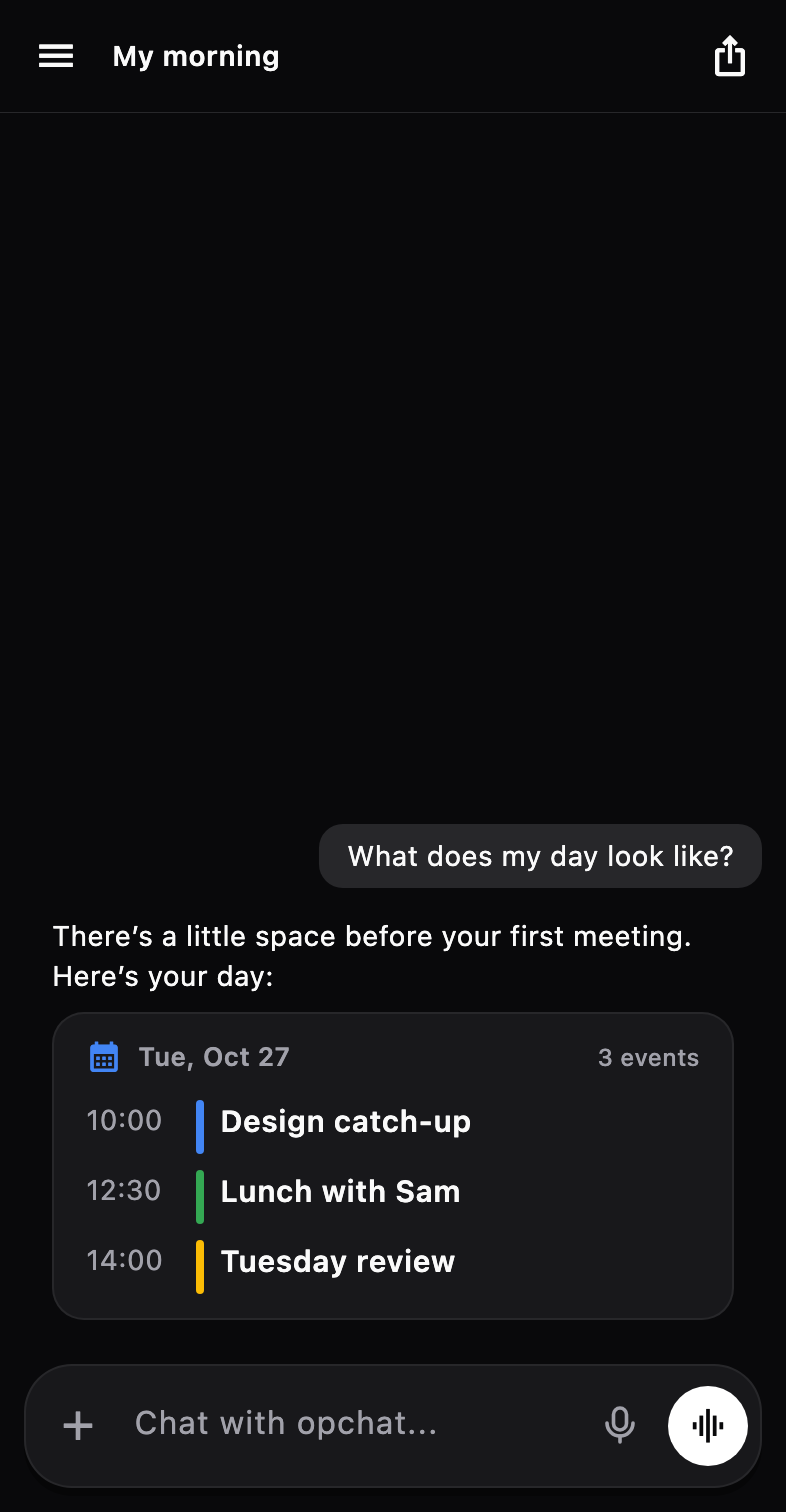
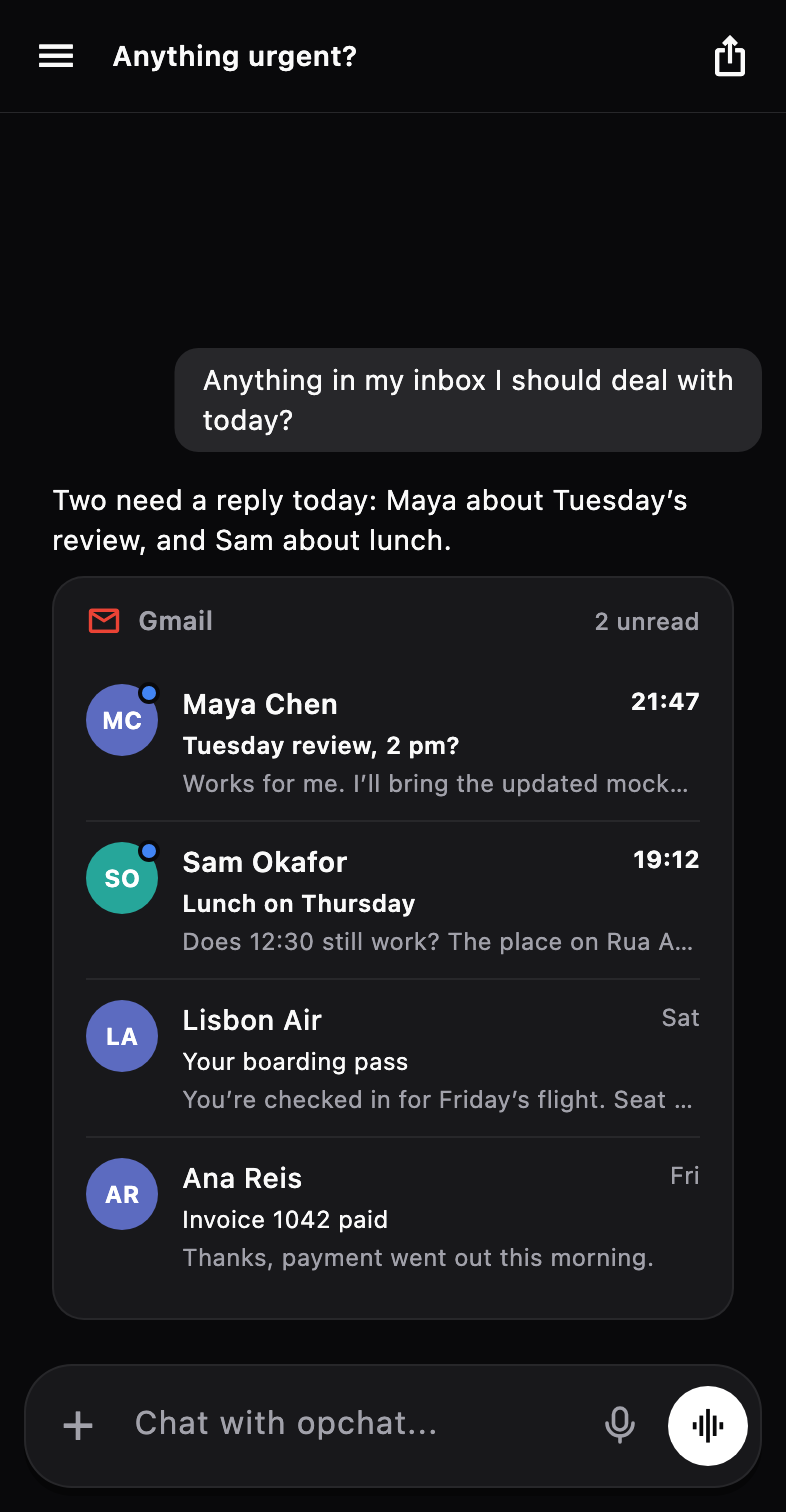
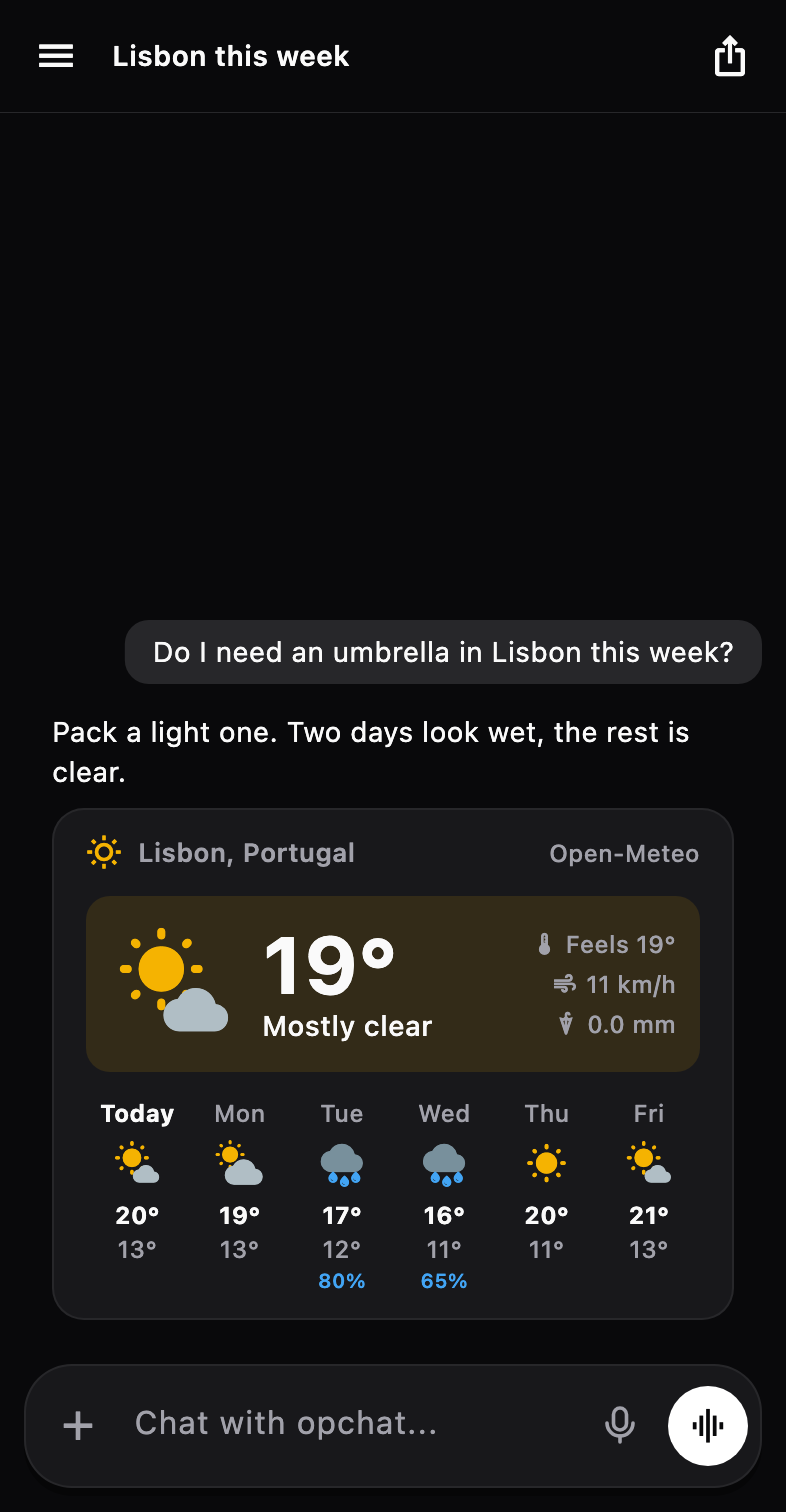
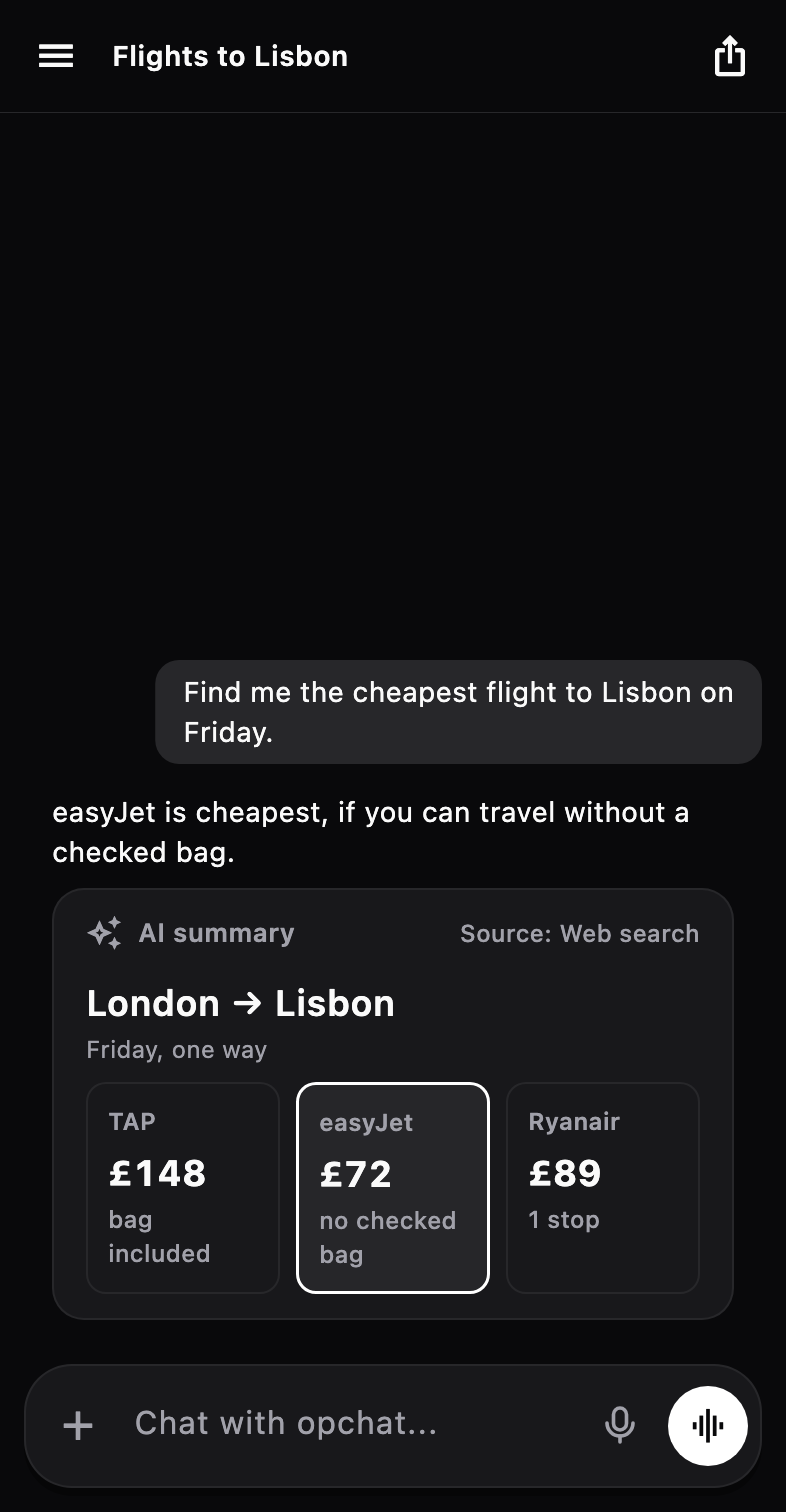
When an answer has a shape, opchat draws it. Forecasts, charts, comparisons, your inbox and your tasks, right in the conversation.
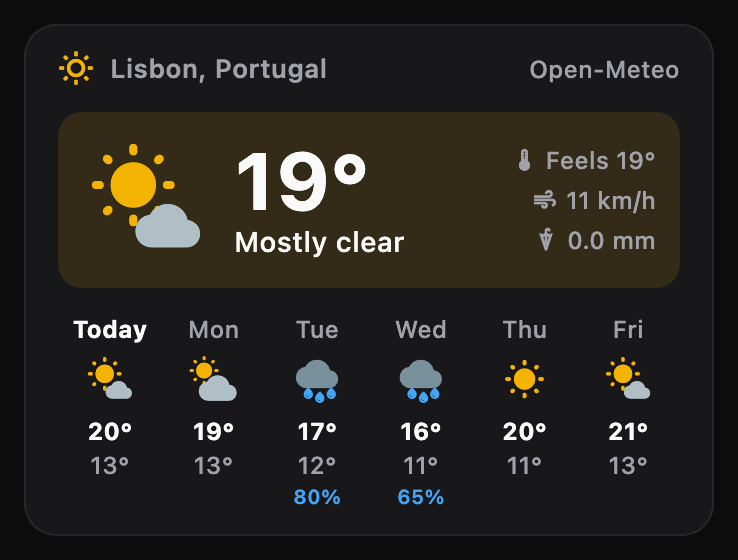
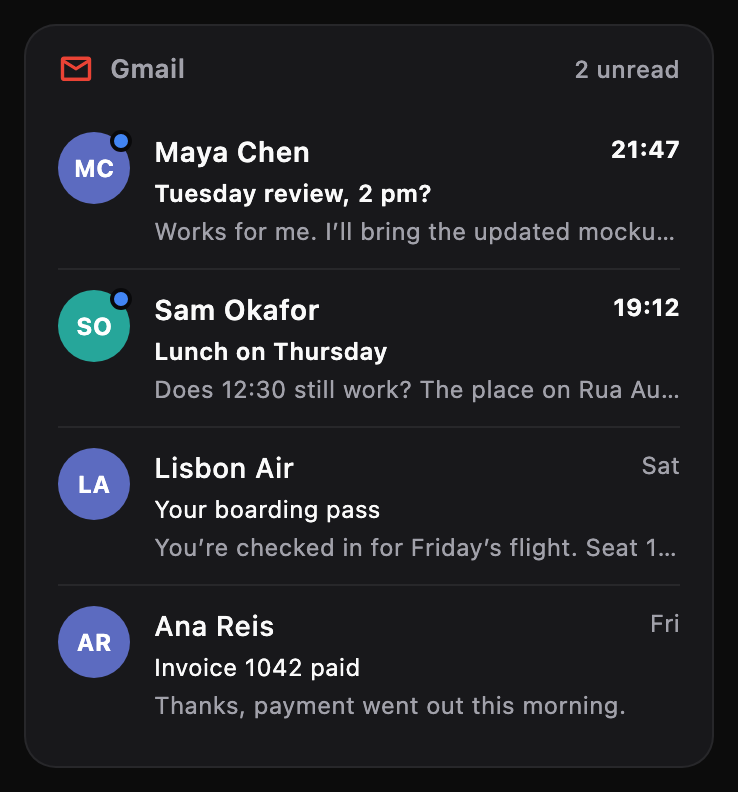
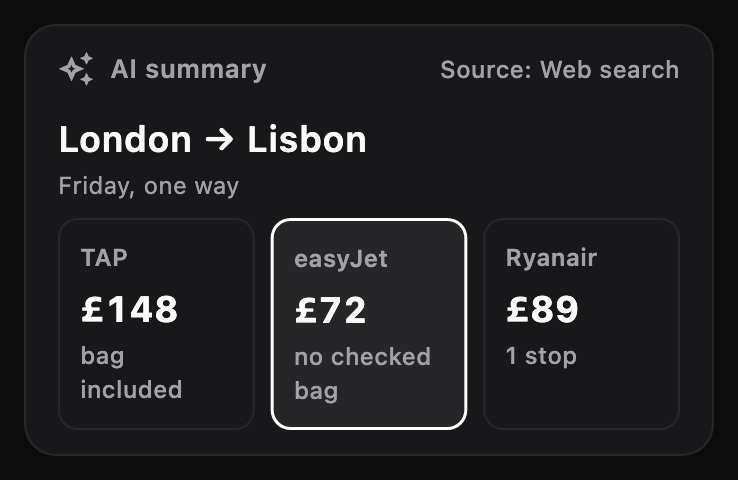
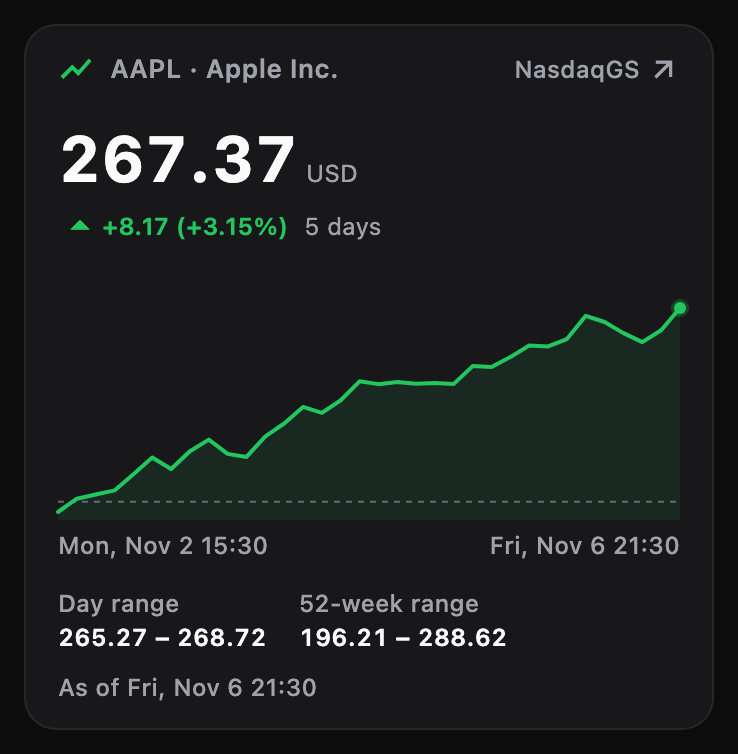
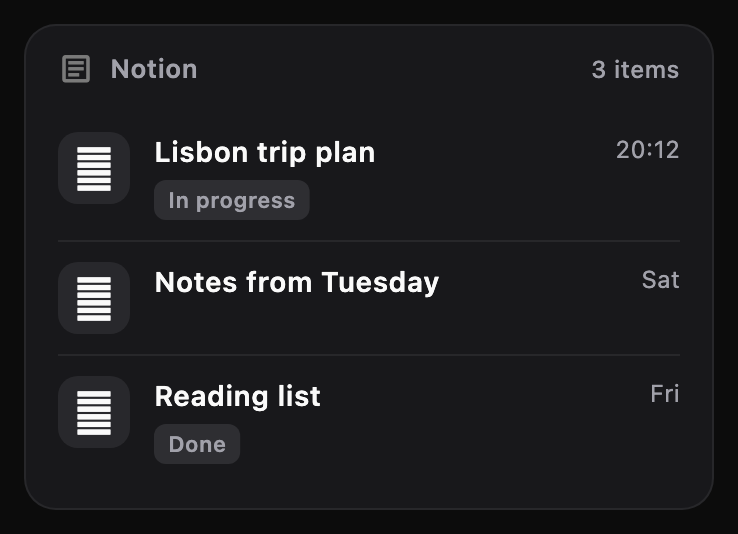
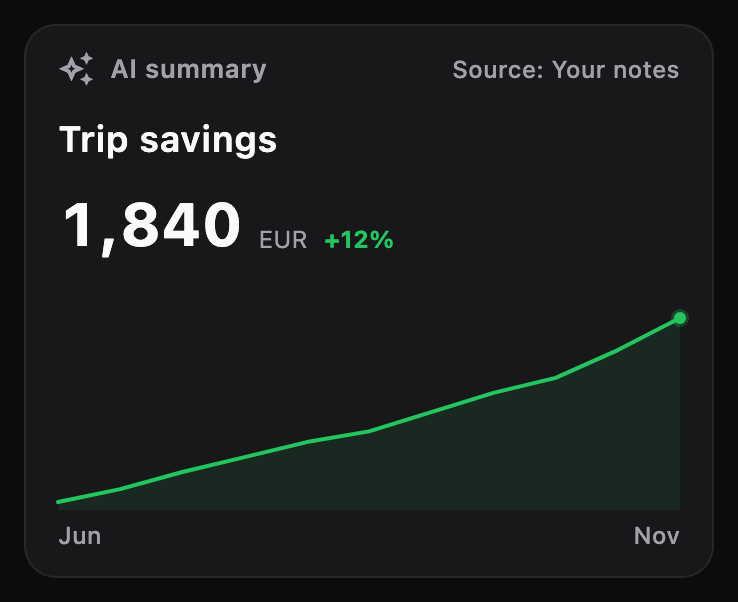
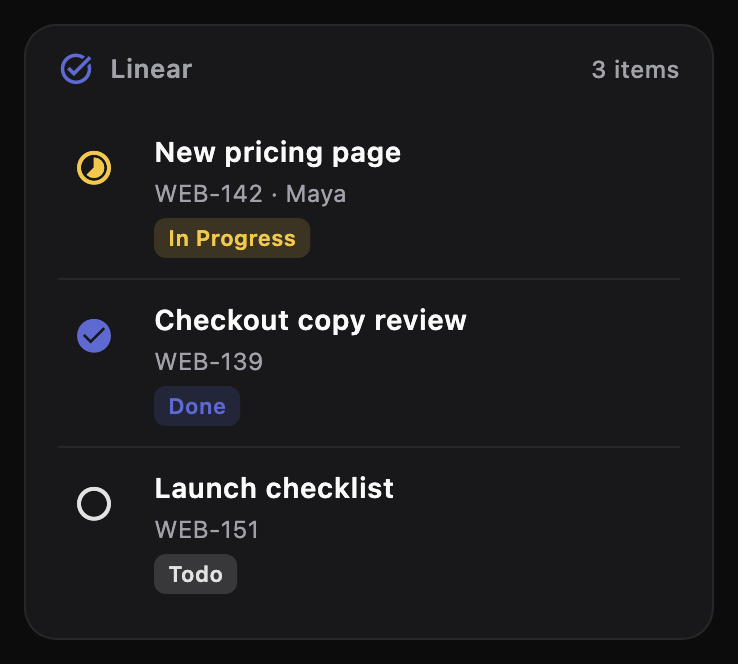
Rendered from the app · Illustrative data
03 / Your apps, connected
Connect the tools you already live in and just ask. Reading, writing, sending and scheduling all happen where you’re talking.
 Gmail Read, search and send
 Google Calendar See and plan your day
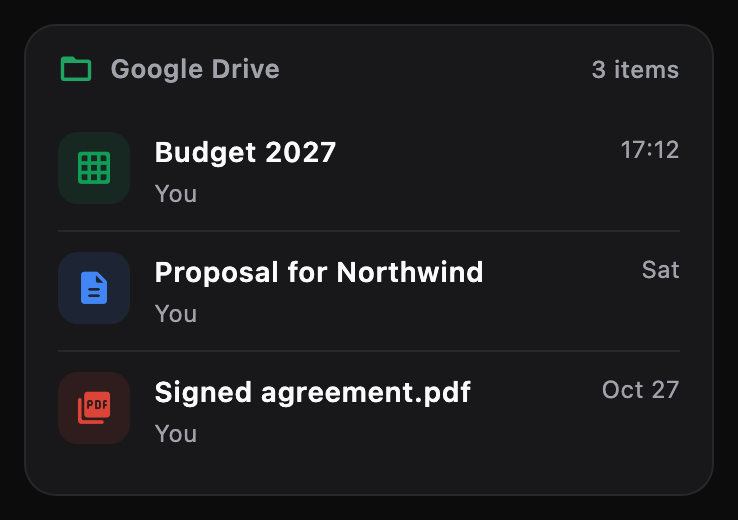
 Google Drive Find your files
 Notion Pages and databases
 Todoist Tasks and projects
 Linear Issues and sprints
 Jira Tickets, through Atlassian
 Sentry What’s breaking, and why
Integrations are part of opchat Pro. Some connections need your own account or key.
04 / Meet Standby
Put your phone down. Keep your assistant close. Standby turns it into a calm, personal dashboard — and a voice conversation is just a tap away.
Included in opchat Pro Tap the orb to explore the preview ↗
Clocks, weather, calendar, reminders, notes and countdowns. Choose what deserves a place.
Move and resize your widgets. Choose an orb or a character. Create separate portrait and landscape layouts, or describe a custom widget for AI to build.
Open Standby while charging, check your morning briefing, or ask your assistant what’s next.
05 / No signal needed
Download a model and it runs on your phone. No account, no API key, nothing leaves the device. It can even set reminders and remember things for you.
Free, always
Recommended picks change as better models ship. Speed and available models depend on your device.
06 / Yours means yours
Choose who powers your assistant. Keep your conversations on your device. Take your curiosity wherever you like.
Read our privacy policyConnect directly to your chosen AI provider. Your keys are kept in your device’s secure storage. Provider usage is billed separately.
Download a compatible on-device model and chat without an internet connection. No cloud API key needed. Performance depends on your device.
Cloud messages go to your chosen provider; connected tools receive the data needed for a task. Conversations aren’t routed through opchat servers.
The app uses usage analytics and crash reporting. Provider and integration privacy policies also apply.
07 / A good place to start
The everyday essentials
A useful assistant, from day one.
A little more possibility PRO
One-time purchase. No app subscription.
Pro pricing is shown in the app in your local currency. AI provider and third-party service charges are separate; availability depends on your setup and device.
Yes. Download open models such as Gemma 4 or Qwen, or search Hugging Face from inside the app, and run them offline on your iPhone or Android phone. You can also connect your own API keys, an Ollama server or any OpenAI-compatible endpoint.
For cloud models, connect your own provider credentials. You can also download a compatible on-device model and chat offline without a cloud API key.
No. The core app is free, and Pro is a one-time in-app purchase. Your chosen AI providers and connected services may charge separately for usage.
Standby is a Pro feature that turns your phone into a customizable dashboard with an orb or character assistant, clocks, widgets and a morning briefing. Tap the assistant to start talking. You can also enable opening Standby while charging.
Yes. Connect OpenAI, Anthropic, Google, DeepSeek, OpenRouter, Ollama or an OpenAI-compatible endpoint. The free version includes one cloud provider, and Pro lets you use them all. Switch models during a conversation, or use compatible on-device models. Available tools and voice features depend on your model and configuration.
Conversations are stored on your device. When you use a cloud model, messages go directly to your selected provider. Connected tools receive the data needed for their tasks. The app also sends usage analytics and crash reports; see the privacy policy for details.
YOUR AI. YOUR EVERYDAY.
A conversation. A helping hand. A quieter kind of screen time.
Start free. Bring your keys, or go fully on-device.