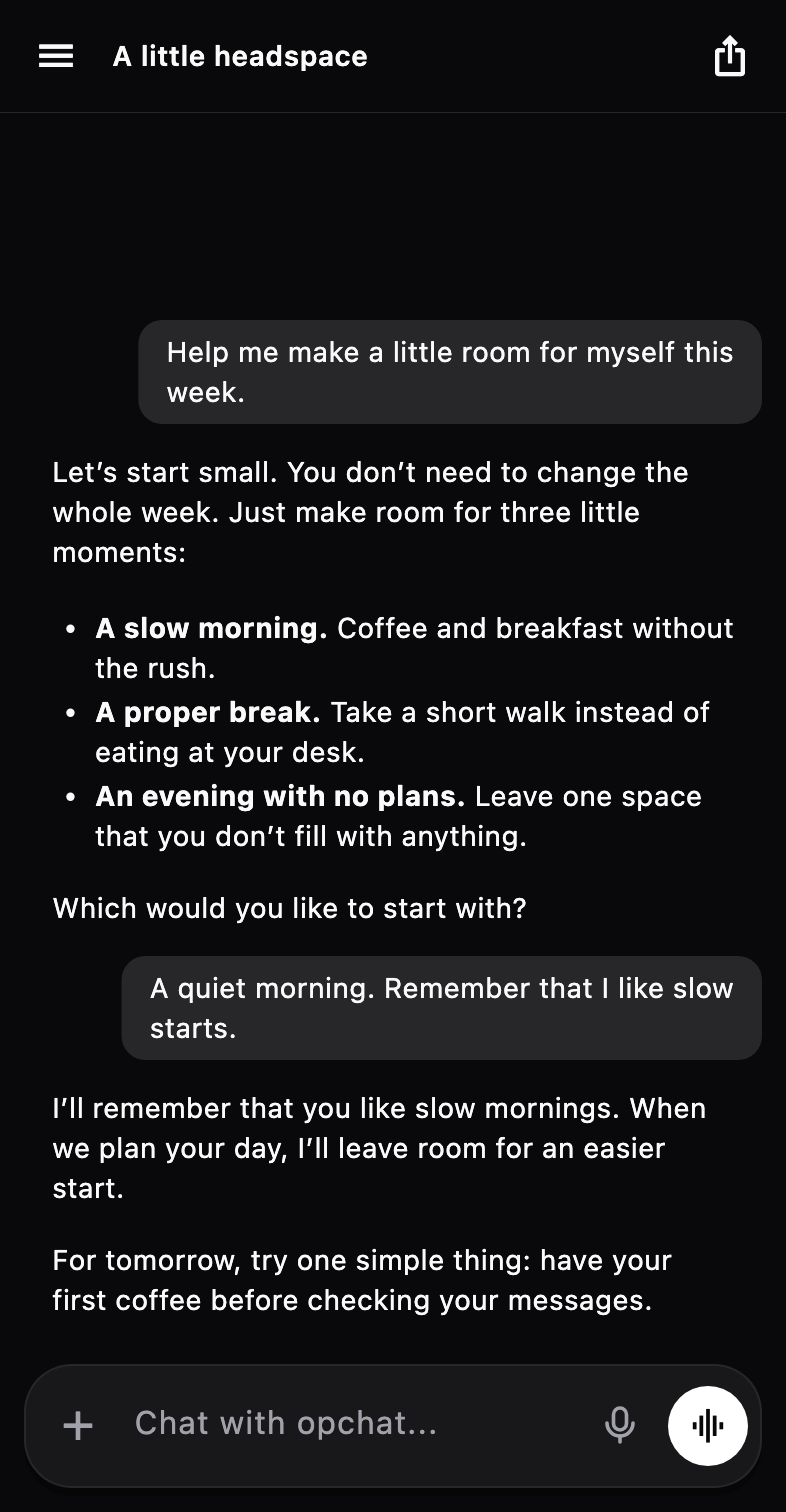
Your words stay on your phone
An on-device model runs on your phone’s own chip. Nothing you type is sent anywhere, because there is no server in the loop. That makes it a good fit for private notes, travel, and places with no signal.
Pick a model that fits
opchat recommends models and labels how well each one fits your phone. Our current picks start with Gemma 4, then Qwen 3.5, with Granite 4.2 and LFM3 as smaller options. You can also search Hugging Face from inside the app.
Three engines sit behind that list, and the app chooses for you: llama.cpp for GGUF models, LiteRT for Google’s format, and Apple MLX on iPhone.
More than a chat box
Supported local models can set reminders and save things to memory on their own. With Pro, they can also read and add to your calendar. When you do want a bigger model, you can switch to a cloud provider with your own API key in the same app.
Get started
Follow the step-by-step guide for iPhone or Android, or see how opchat compares with other apps that run AI models on a phone.